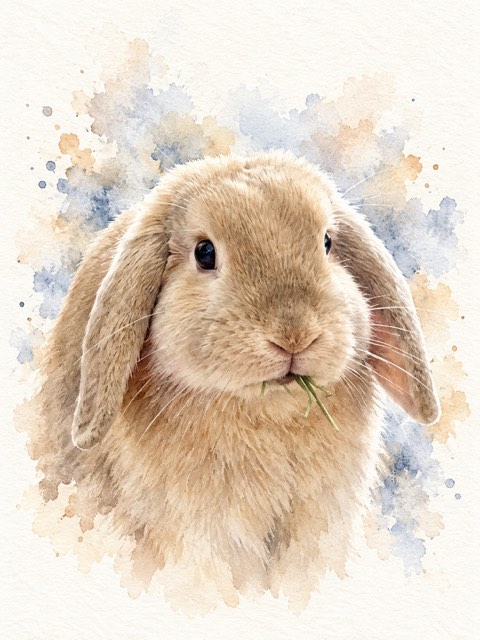
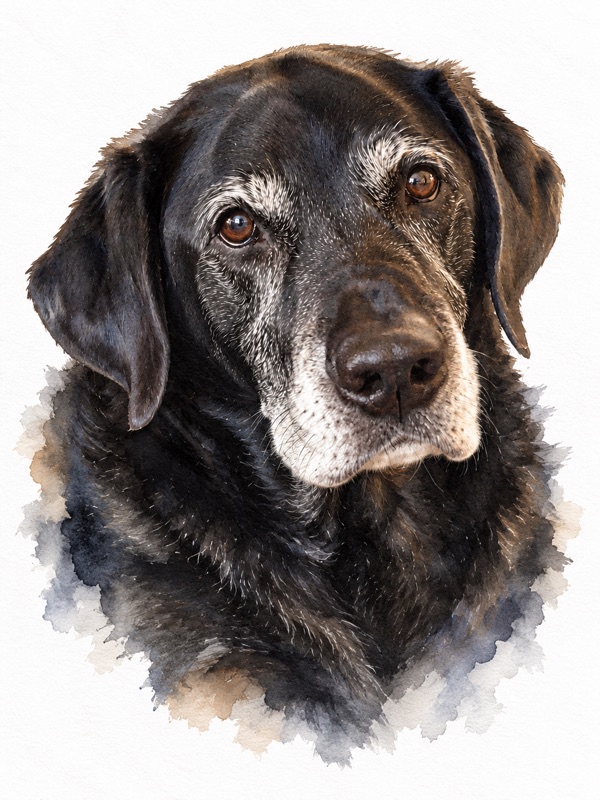
 Watercolor
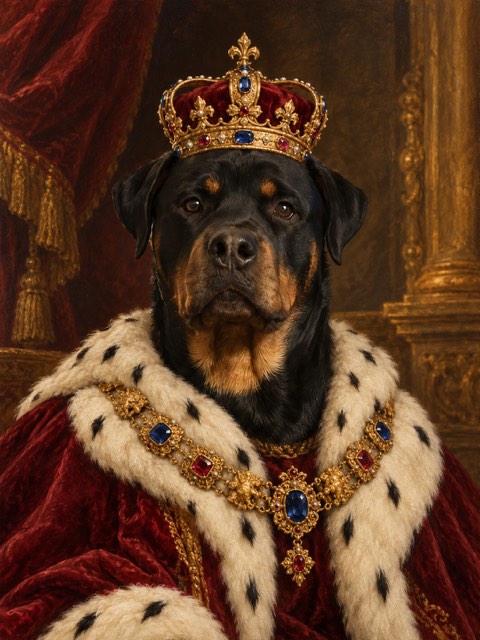
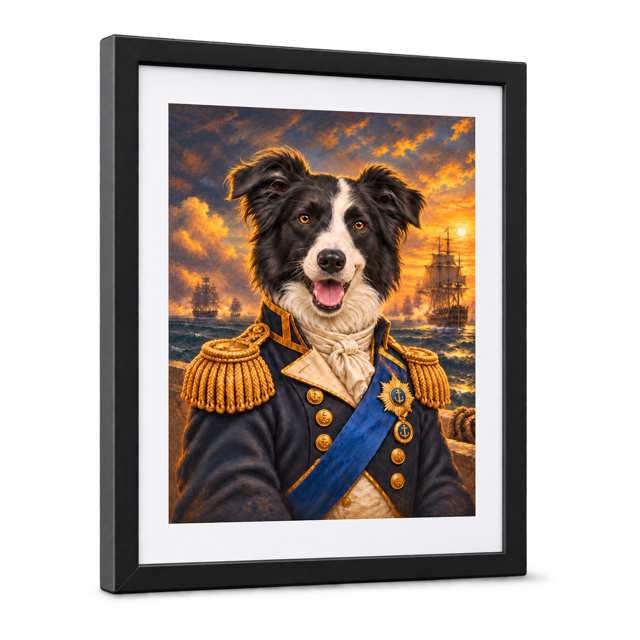
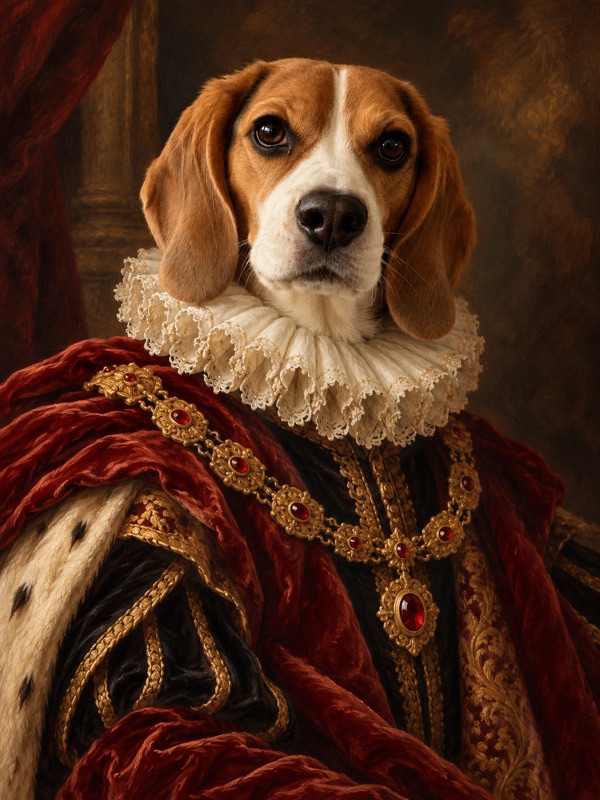 Royal portrait
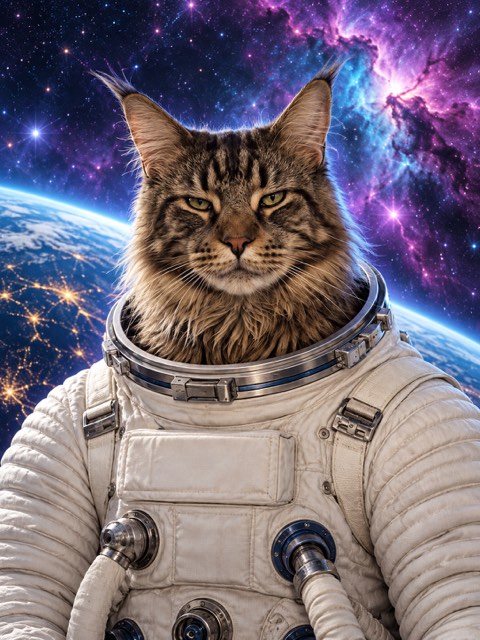
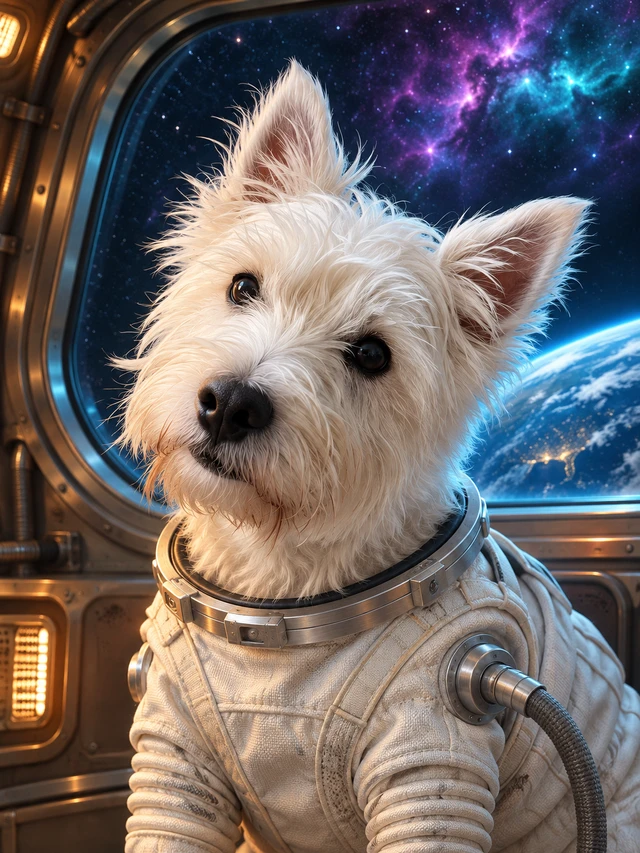 Space explorer
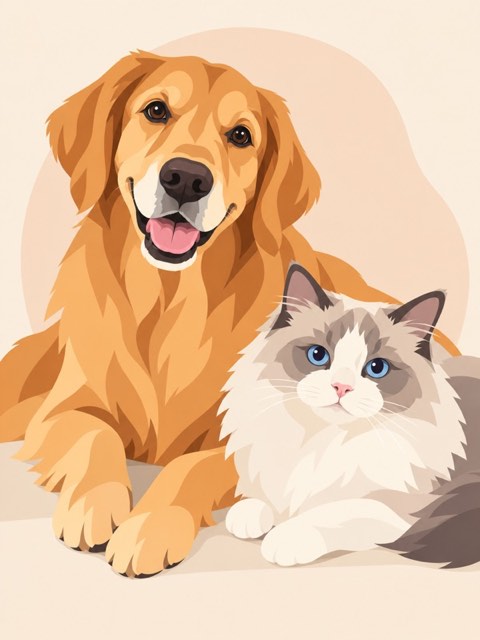
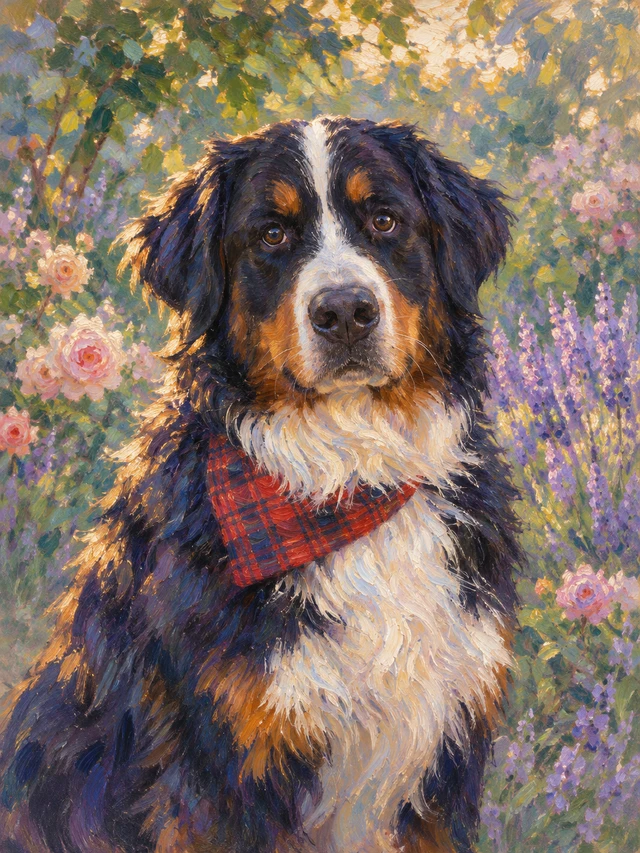 Garden portrait
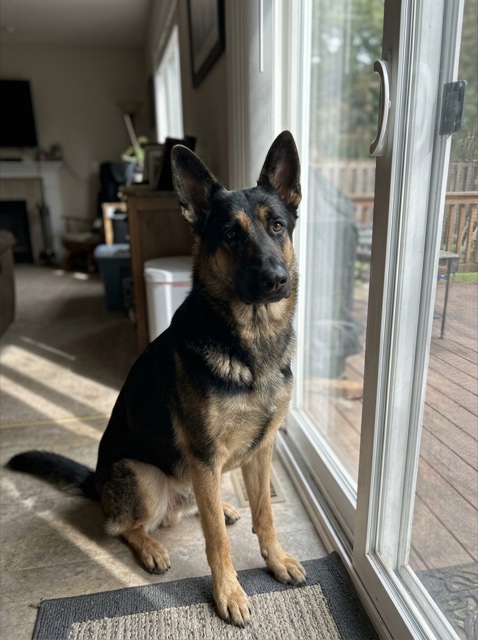

Discover their next look.
Browse the imagitails gallery in ChatGPT, choose a style, then tap Apply style.
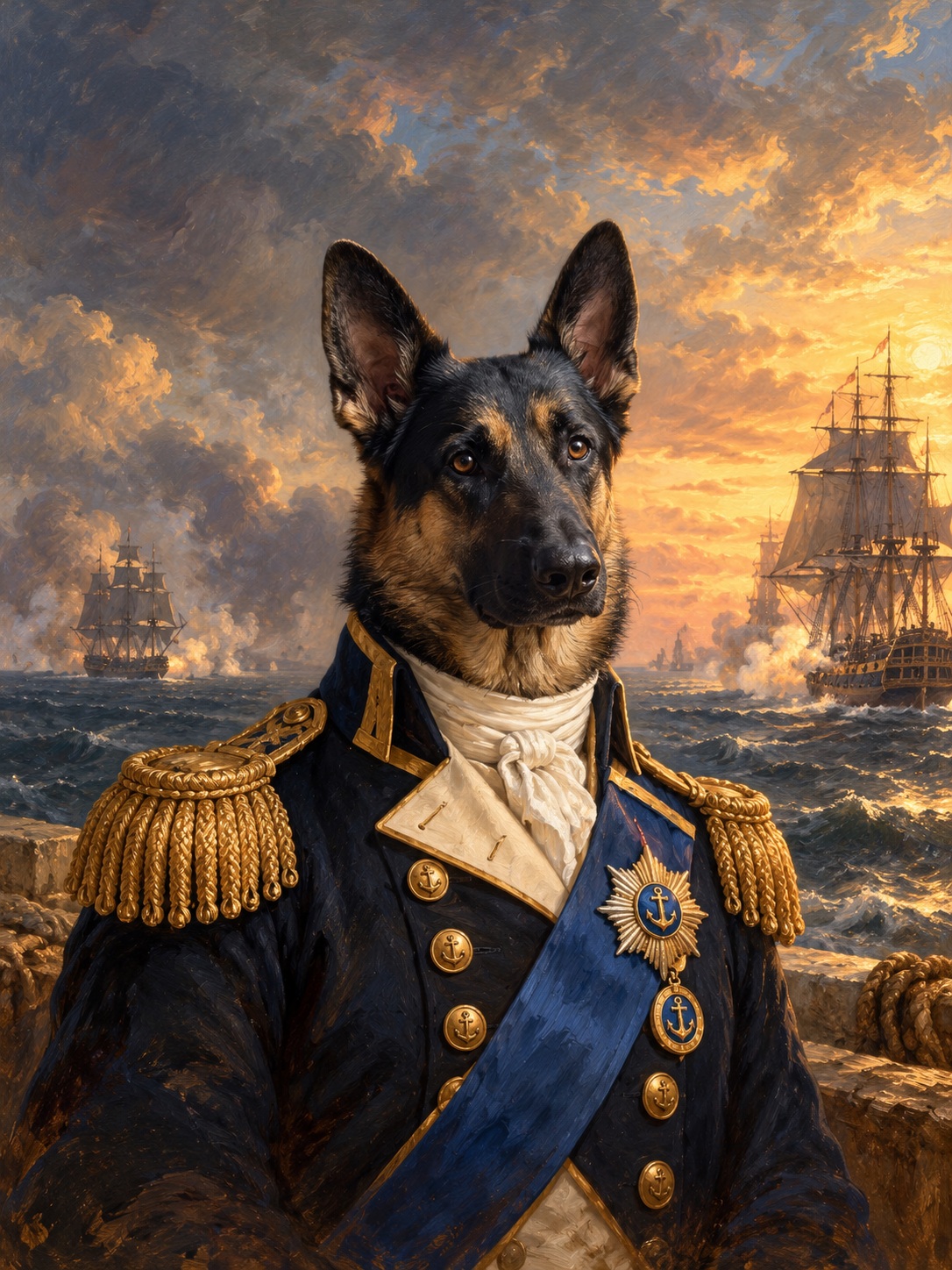

A little imagination. A lot of personality.
Create a pet portrait with imagitails in ChatGPT.
 Create in ChatGPTOpen ChatGPT, then choose the imagitails plugin.
Browse the imagitails gallery in ChatGPT, choose a style, then tap Apply style.
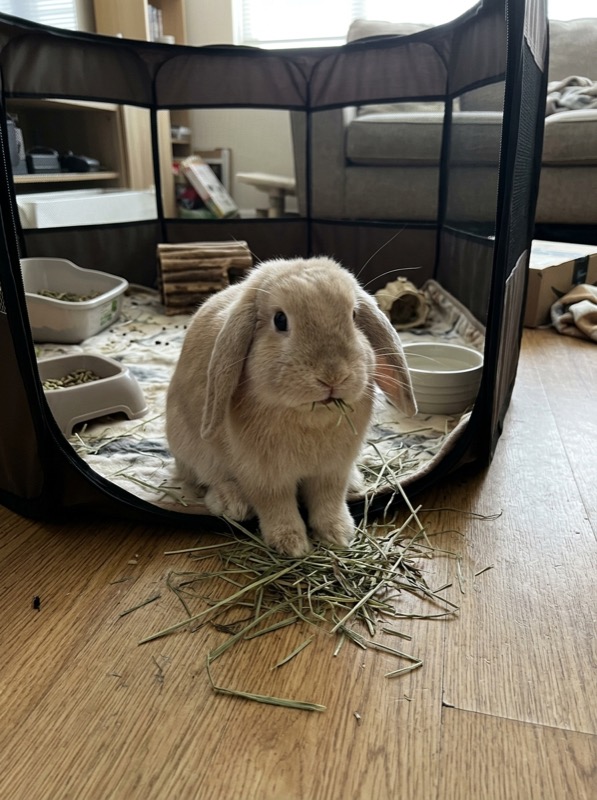
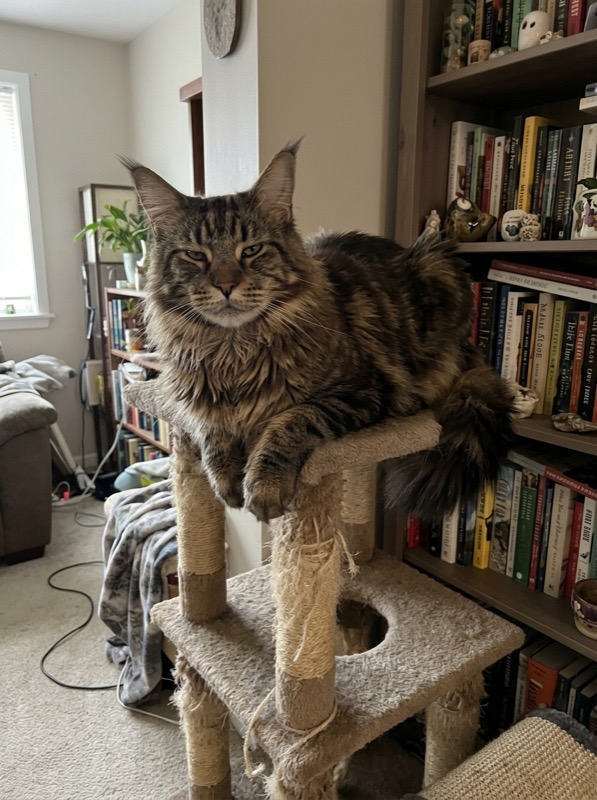
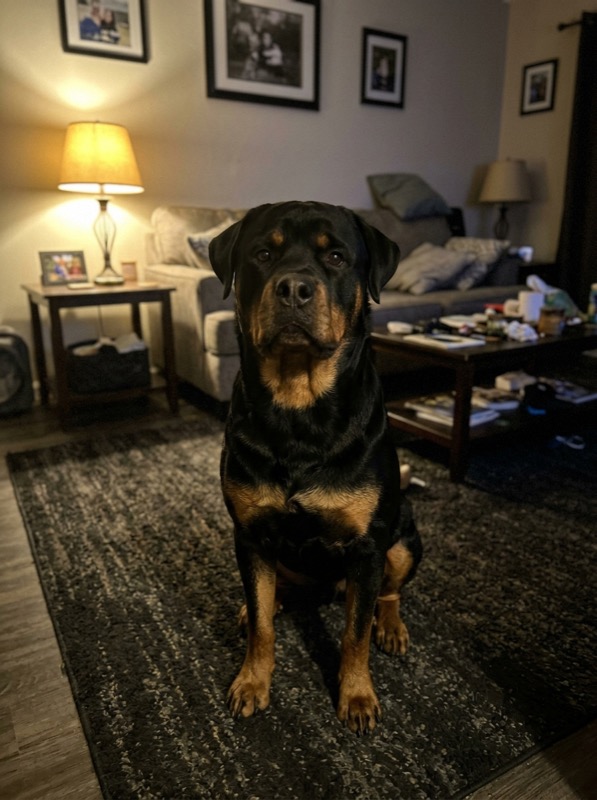
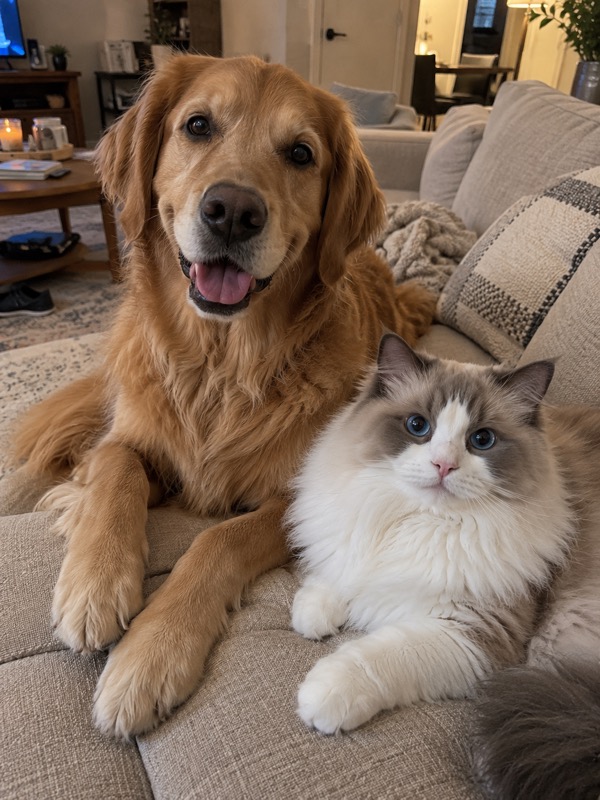
Attach your pet’s photo with + in ChatGPT. Then send the separate Create my portrait message.
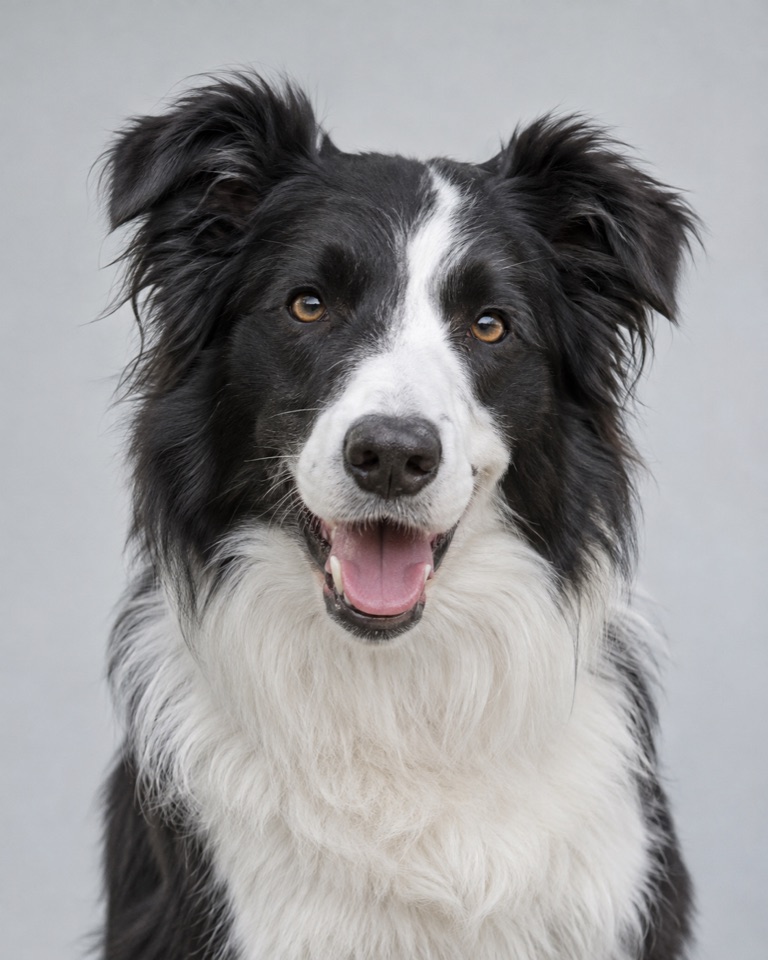
Your pet, reimagined. Ask ChatGPT for changes in your own words.
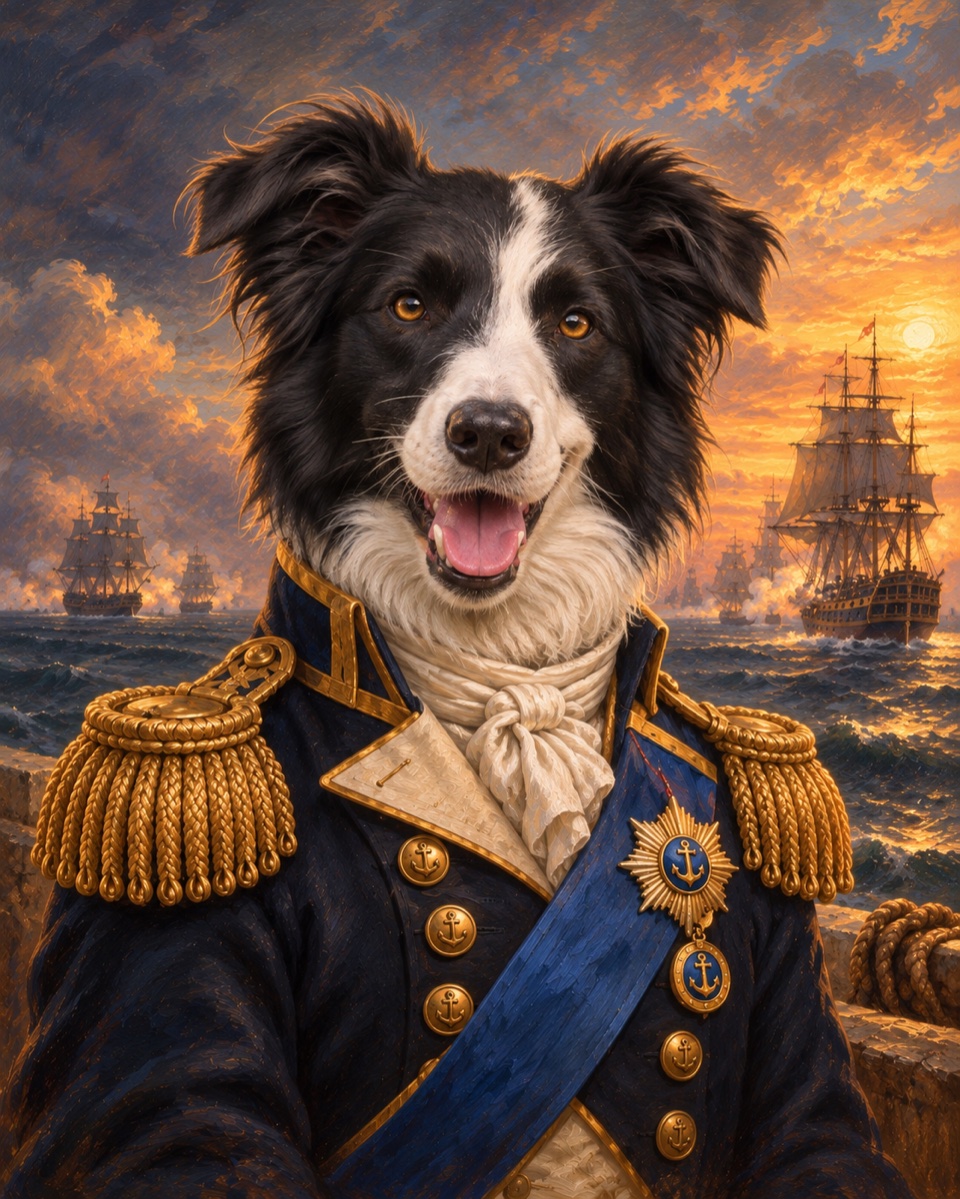
Ask ChatGPT for printing options. Explore framed prints in 8 × 10″ and 12 × 16″. Frame finishes and mats shown as examples.
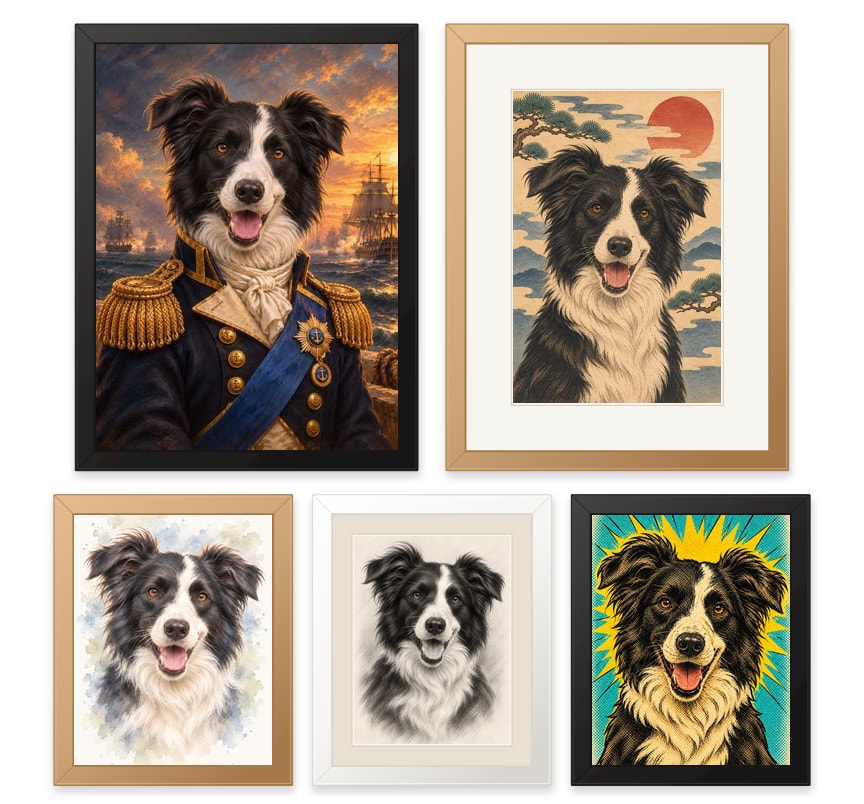
A gift that could only be theirs.
Framed prints in two sizes.
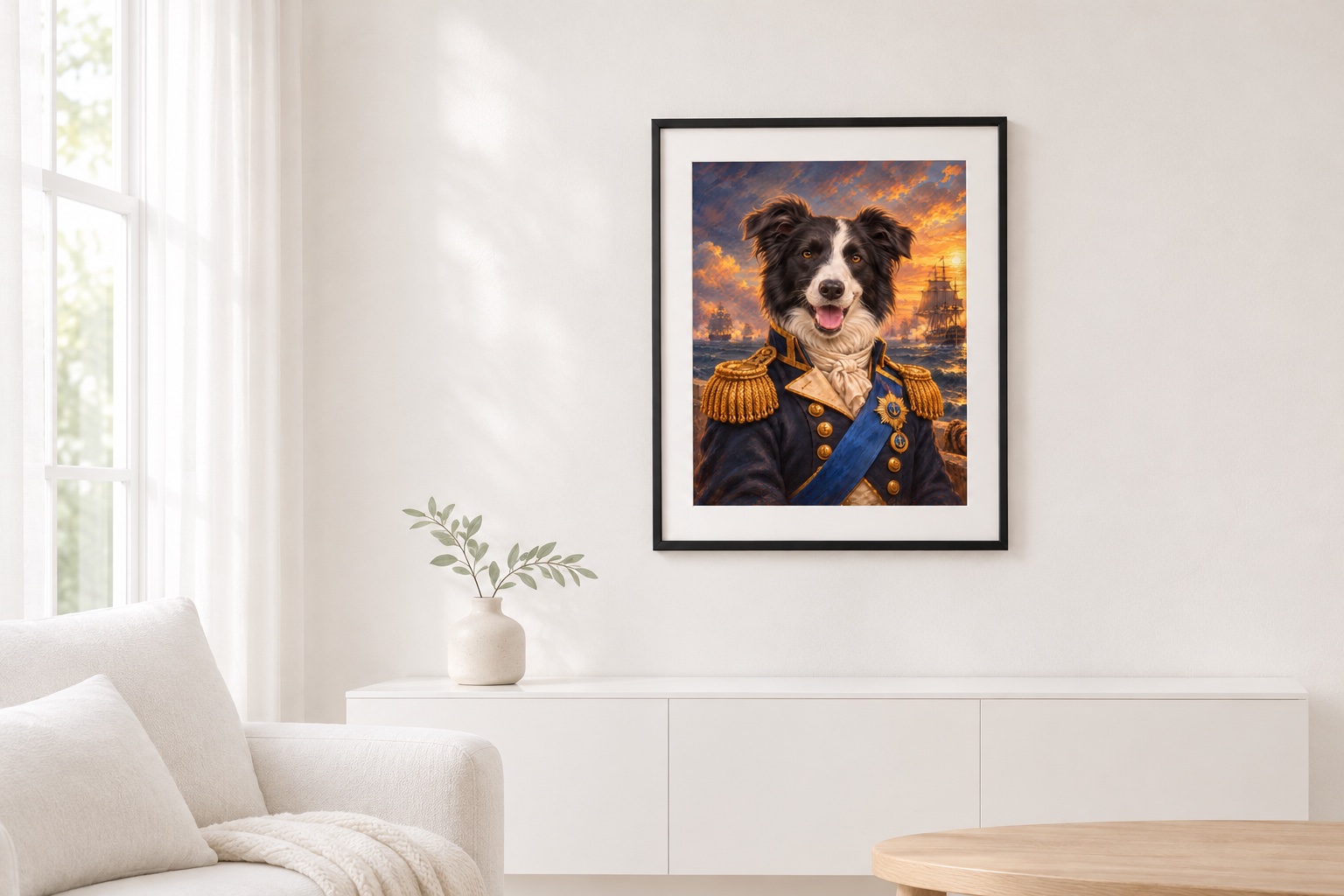
A little regal. A little playful. Entirely them.
Explore the style library and find your starting point.
Change a color. Try a new idea.
Tell ChatGPT what you’d like to make yours.
Create in ChatGPTChoose the imagitails plugin in ChatGPT.